Common words
hello, hi, goodbye
Open wordthank you, thanks
Open wordsorry, excuse me
Open wordfriend
Open worddelicious, tasty
Open wordfun, enjoyable
Open wordunderstand, grasp
Open wordhot (temperature)
Open wordhold back out of consideration, not want to impose
Open wordannoyed at someone being smug/showy
Open wordjust, merely, so-so / indifferent
Open wordkeep going!, you can do it!
Open wordkindness, generosity
Open wordfeel hurt, feel slighted
Open wordEverything a word needs, on one page
Look up any Thai or English word and get the whole picture: how it sounds, how it's read and where to keep it.
Hear it said properly
Every word and every example sentence has audio. Tap, listen, repeat.
Read it before you can read Thai
Romanization with tone marks on every word. Blur it when you want a challenge, hide it once the script clicks.
Keep the words you meet
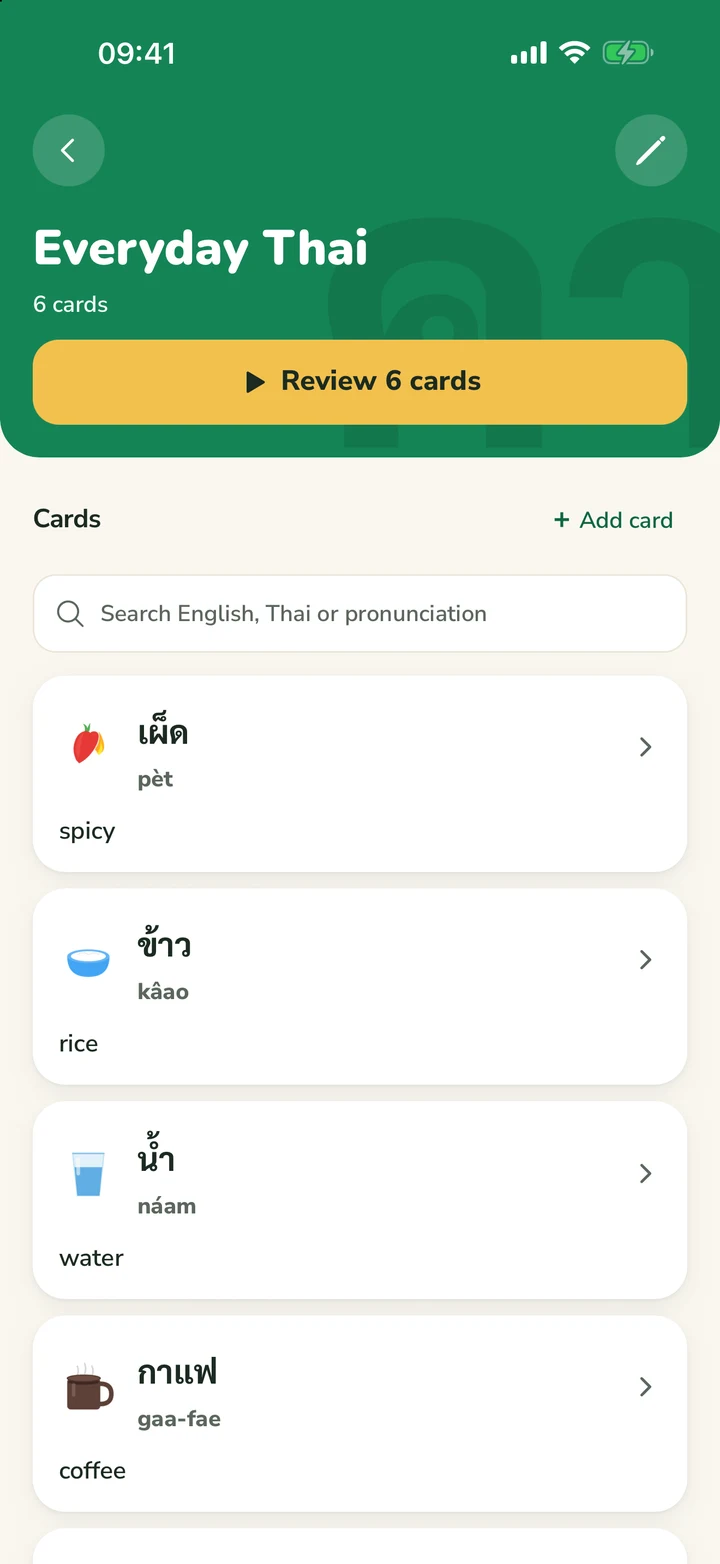
Save any word to a deck of your own, or start from a ready-made one. Review on the web or in the app.
Every sentence, word by word
Example sentences come apart into words you can tap. Play the audio and the word being spoken lights up as it's said.
- Tap any word for its meaning and reading
- Audio for the whole sentence
- CEFR level on every word
ใจเย็นๆ
jai-yen yen
Calm down; take it easy
Review before you forget
Save a word from any page. ThaiFlip schedules it with spaced repetition, so it comes back right before it slips.
Your decks, your topics
Food ordering, travel essentials, flirting: any list you need.
You rate, it schedules
Hard comes back in minutes, Easy in days.
Take ThaiFlip with you, anywhere.
ThaiFlip is live on the App Store and Google Play, so your decks, audio, and reviews are always a tap away on iOS or Android.
- Native iOS and Android apps
- Review on the go, in seconds
- Same account on every device


Why is ขนม said kà-nǒm?
Thai spelling hides a lot. Every word page shows how each syllable is really said and which rule gives it its tone, step by step.
- ขะkàLow tone
ข has no written vowel, so it takes a short “a”.
- High class
- No tone mark
- Dead syllableA short vowel with no final consonant, so it is dead.
- หนมnǒmRising tone
- High classA silent ห before น puts this syllable in high class.
- No tone mark
- Live syllableEnds in -m, a sonorant, so it is live.
ThaiFlip for Chrome
Learn Thai from YouTube. Tap the words you don't know.
ThaiFlip is a free Chrome extension that turns the Thai subtitles on YouTube into words you can look up, hear and save, without leaving the video.
- Requires Google Chrome on a computer
- No account needed to look words up
- The extension interface and video previews are in English.
Tap
Every word in the subtitles is a button, with its transliteration underneath, so you can follow along before you can read Thai script.
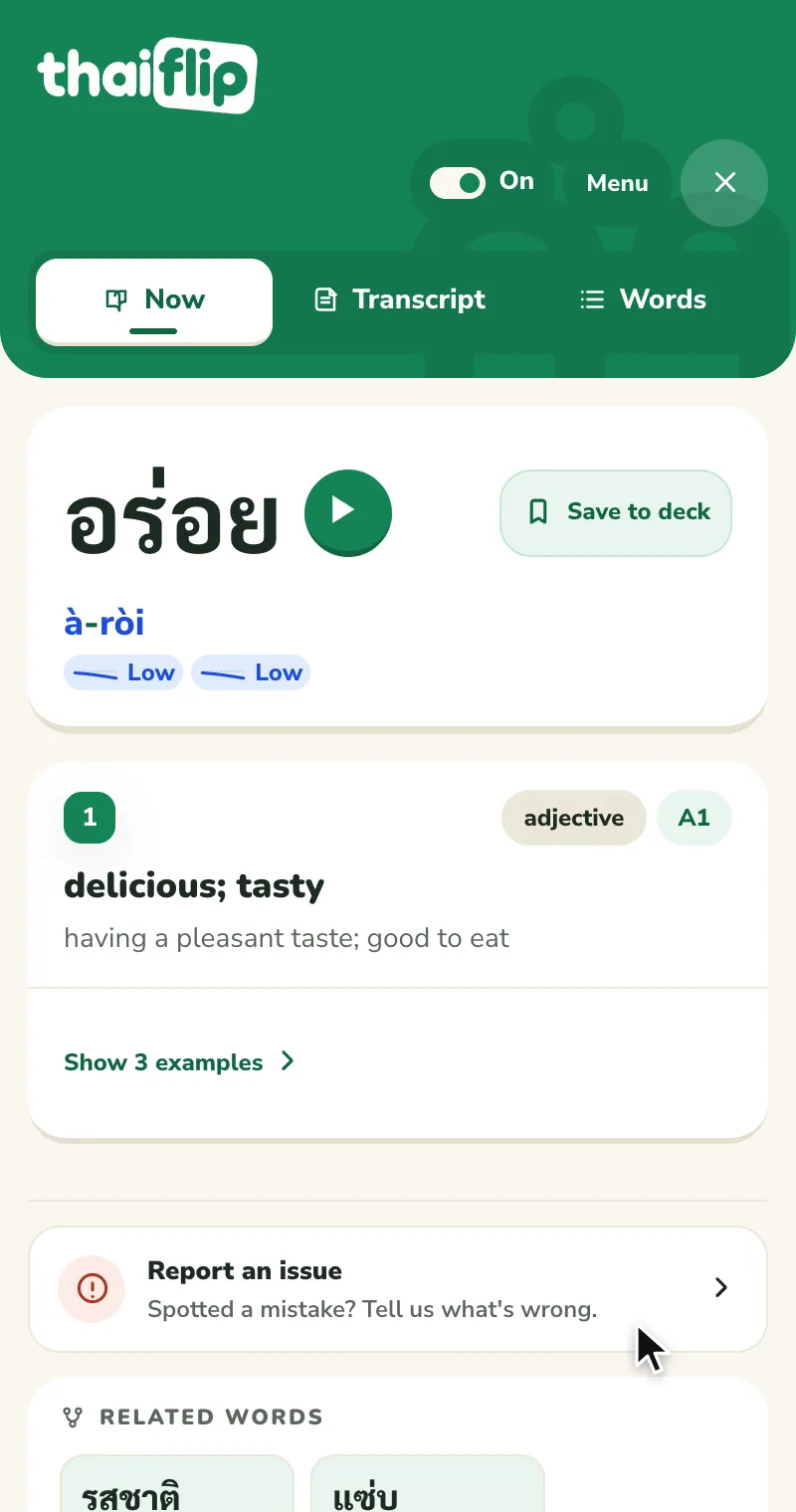
- Dictionary entryadjectiveA1
อร่อย
à-rɔ̀i
delicious; tasty
Hear
The card plays the word, and every example sentence in the side panel has audio too. The video waits while you look.
Keep
Save a word to a deck in one tap, then review it on thaiflip.com or in the ThaiFlip app for iOS and Android.

Words you'll hear every day
Feelings, slang and everyday words Thais actually use. Open one to hear it and see it in a sentence.
- หิวhǐuhungry
- ง่วงngûuangsleepy
- รักrák[to] love; be fond of
- เพื่อนpʉ̂ʉanfriend
- เที่ยวtîiao[to] go out; hang out; travel for leisure
- เก่งgèngskilled; good at
- สวยsǔuaibeautiful; pretty
- ใจjaiheart; mind; feelings; spirit
- ปากหวานbpàak-wǎansweet-talking; flattering
- แซ่บsâepspicy-tasty (Isan/Lao-influenced)
- วุ่นวายwûn-waaichaotic; disorderly; hectic
- เอ็นดูen-duu[to] feel fond/tender toward; be compassionate to
- งอนngɔɔnsulky; pouty
- ขิงkǐngginger (rhizome; spice)
- ตุยdtui[to] 'die' (joking slang)
- เขินkə̌ənshy; embarrassed

Questions, answered
Is this for beginners or advanced learners?
ThaiFlip works for both—just paste the text you’re curious about. We provide simple definitions for beginners and nuance for advanced users.
Can I paste entire sentences?
Yes. The large text area is designed specifically for full phrases, paragraphs, or multi-line text.
Do I need to choose Thai or English first?
No, we auto-detect the language of what you type. You can even mix them in the search box.
Does it work on my phone?
Yes. ThaiFlip is a website, an iOS and Android app and a Chrome extension, with one account across all of them.