Learn Thai from YouTube. Tap the words you don't know.
ThaiFlip is a free Chrome extension that turns the Thai subtitles on YouTube into words you can look up, hear and save, without leaving the video.
The extension interface and video previews are in English.
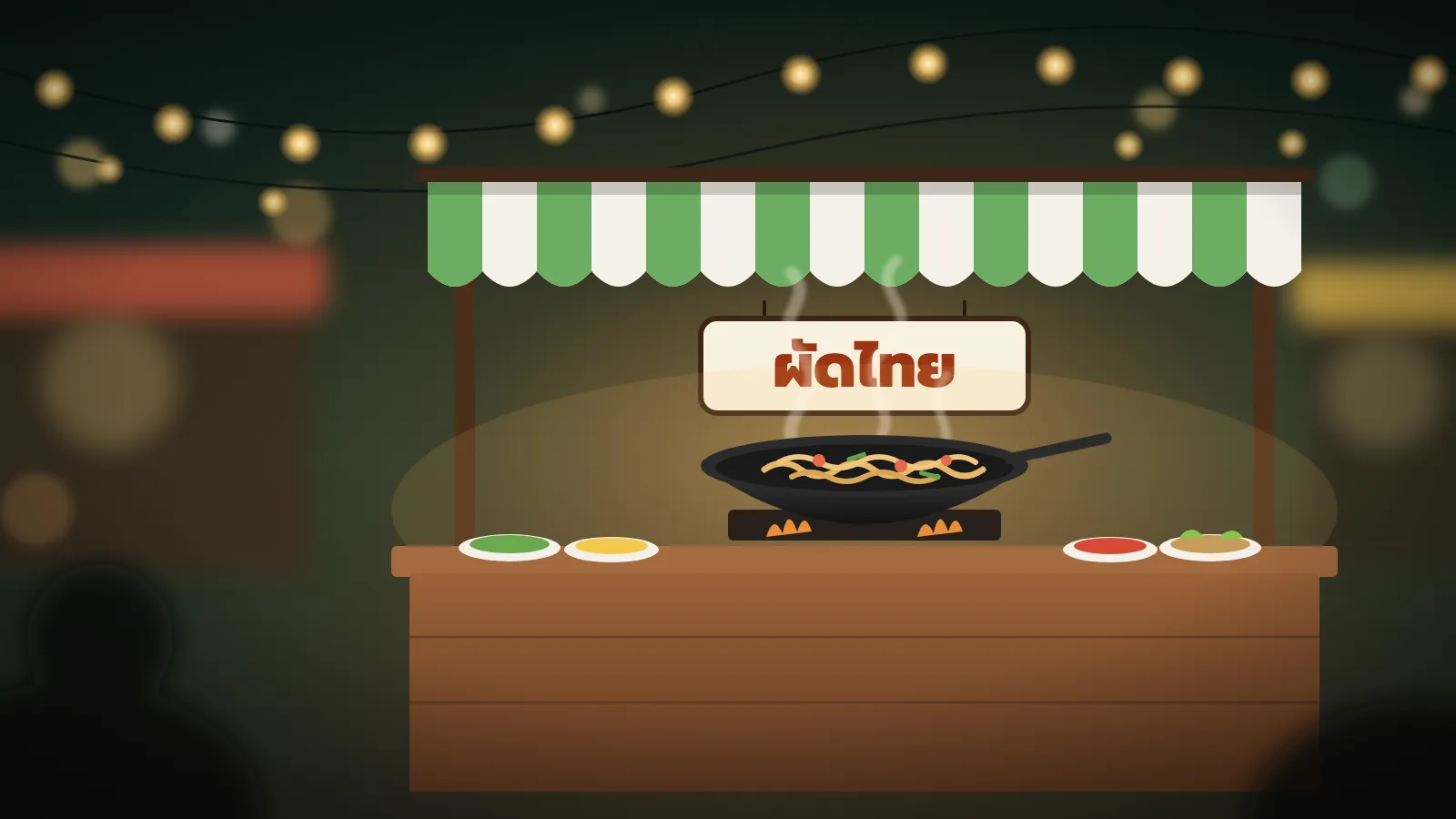
Try it: tap a word, play it, and press A or D to move between lines. This is the extension's overlay on the illustrated video from our store listing, with real dictionary entries. On YouTube it reads the video's own Thai captions.
- 01
Tap
Every word in the subtitles is a button, with its transliteration underneath, so you can follow along before you can read Thai script.
- 02
Hear
The card plays the word, and every example sentence in the side panel has audio too. The video waits while you look.
- 03
Keep
Save a word to a deck in one tap, then review it on thaiflip.com or in the ThaiFlip app for iOS and Android.
One tap for the meaning. One more for everything else.
See more opens the side panel: every sense of the word, example sentences you can keep tapping through, related words, and a button that saves it to a deck.
- Levels
- Each meaning has its part of speech and a CEFR level, A1 to C2.
- Examples
- Split into words with transliteration, each sentence with audio.
- Decks
- Save, move or undo without leaving the video.
The whole episode, word by word.
Transcript
Every line of the video with transliteration and English, following along as it plays. Click a line to jump to it, search the episode, or show only the lines with words you've saved.
Words
Every word in the video, ranked by how common it is in Thai. Learn the frequent ones first, or skim the list before you press play so the episode is easier to follow.
Not only for videos.
Highlight Thai on any page, right-click and choose Open in ThaiFlip. The side panel splits the sentence into words and explains each one: news, recipes, menus, posts.

Not sure what to watch?
Our guide picks 19 Thai YouTube channels in six groups, each with its level and, for most, a video to start with.
Read the channel guideLearn Thai
- Comprehensible Thai
- Thai With Grace
- Understand Thai
- BananaThai
Life & travel
- I Roam Alone
- Go Went Go
- Pigkaploy
Food & cooking
- กินได้อร่อยด้วย
- ครัวพิศพิไล
- เชฟขวัญ EngiChef
- DenverThaiTV
Comedy & drama
- Salmon House
- เทพลีลา
- GMMTV OFFICIAL
History & technology
- Point of View
- BT beartai
Interviews & podcasts
- FAROSE podcast
- THE SECRET SAUCE
- Buffalo Gags

Listening is the hard part. Replay is one key away.
A previous line, W or S hear it again and pause at the end, D next line.
Fast speech and five tones take repetition. Play a line as many times as you need without hunting for the right second on the timeline.
Where it works
YouTube, WeTV and Tencent Video, in Google Chrome on a computer. The video needs a Thai caption track: ThaiFlip uses human-made Thai captions when a video has them and falls back to auto-generated ones. It doesn't add captions to videos that have none.
Your data
Looking words up doesn't need an account. To save words you sign in on thaiflip.com, so your password never goes into the extension. Subtitle lines and the text you look up go to ThaiFlip's servers to be split into words and matched with the dictionary. The privacy policy has the details.
Questions
Is the ThaiFlip Chrome extension free?
Yes. Install it free from the Chrome Web Store. Looking up words, playing audio and browsing the transcript don't need an account.
Which videos does it work with?
YouTube videos that have Thai captions, plus WeTV and Tencent Video. On YouTube, ThaiFlip uses the video's human-made Thai captions when it has them and falls back to auto-generated Thai captions.
What if a video has no Thai subtitles?
ThaiFlip tells you the video has no Thai caption track. It doesn't create captions. Our guide to Thai YouTube channels lists channels whose videos are a good place to start.
Where does the English translation come from?
Word meanings, examples and audio come from the ThaiFlip dictionary. The English line under each subtitle comes from the video's own English captions or YouTube's translation, so its quality depends on the video.
Do I need a ThaiFlip account?
Only to save words. Sign in on thaiflip.com and the extension can save to your decks; your password never goes into the extension.
How do I review the words I save?
Saved words go into your ThaiFlip decks. Review them on thaiflip.com or in the ThaiFlip app for iOS and Android with the same account.
Does it work on my phone?
No. Phone browsers don't run Chrome extensions. On a phone, use the ThaiFlip app for iOS and Android.