Look it up. Save it. Remember it.
A Thai dictionary that explains tones, flashcards that schedule themselves, and a camera that reads menus. ThaiFlip is free on the App Store and Google Play.



Free on iPhone, iPad and Android
From first word to full sentence
Four things the app does every day, on the screens you'll actually use.
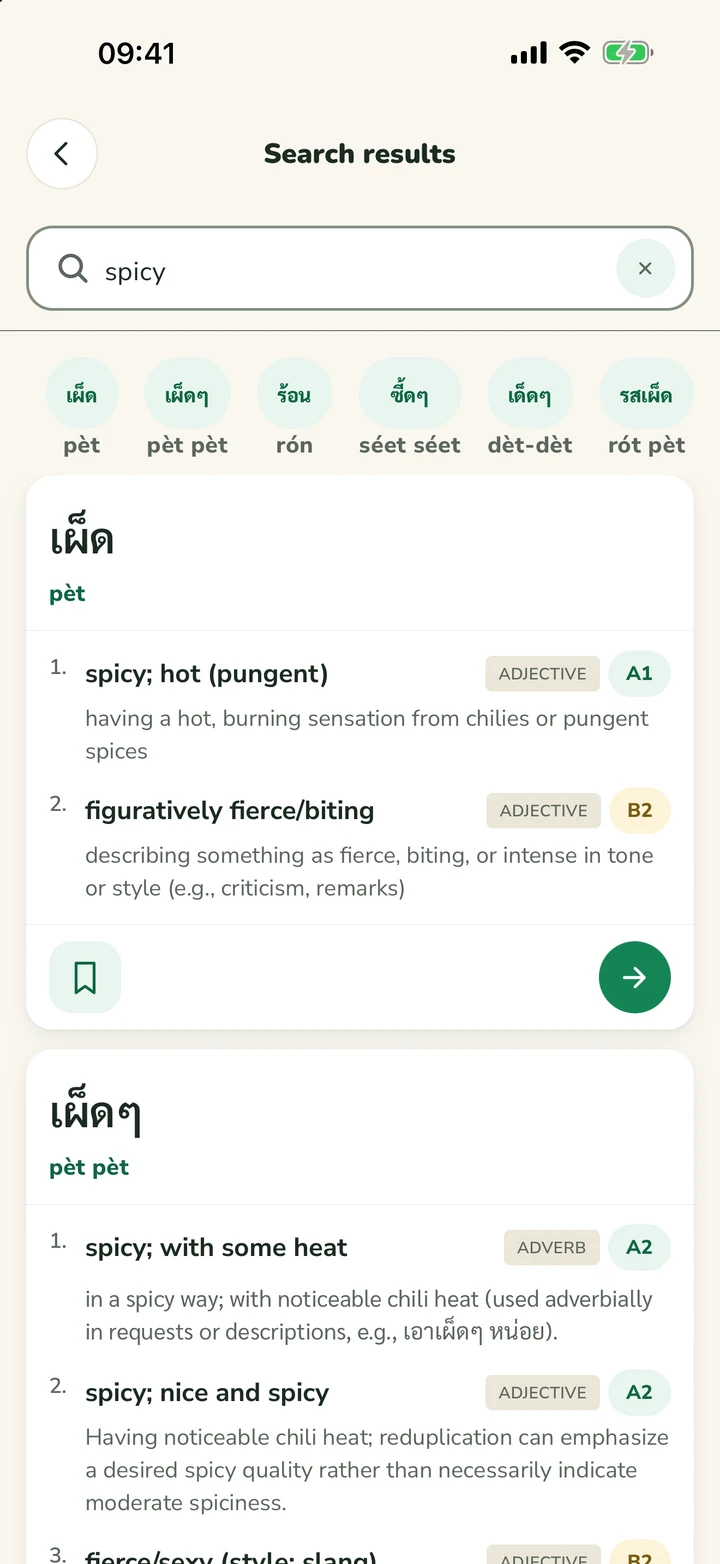
Search in Thai or English.
Type Thai script, romanization or an English word. Each result shows its level, part of speech and reading, so you can tell the everyday word from the rare one.
- A1 to C1 level badges on every result
- Voice and camera search from the search bar
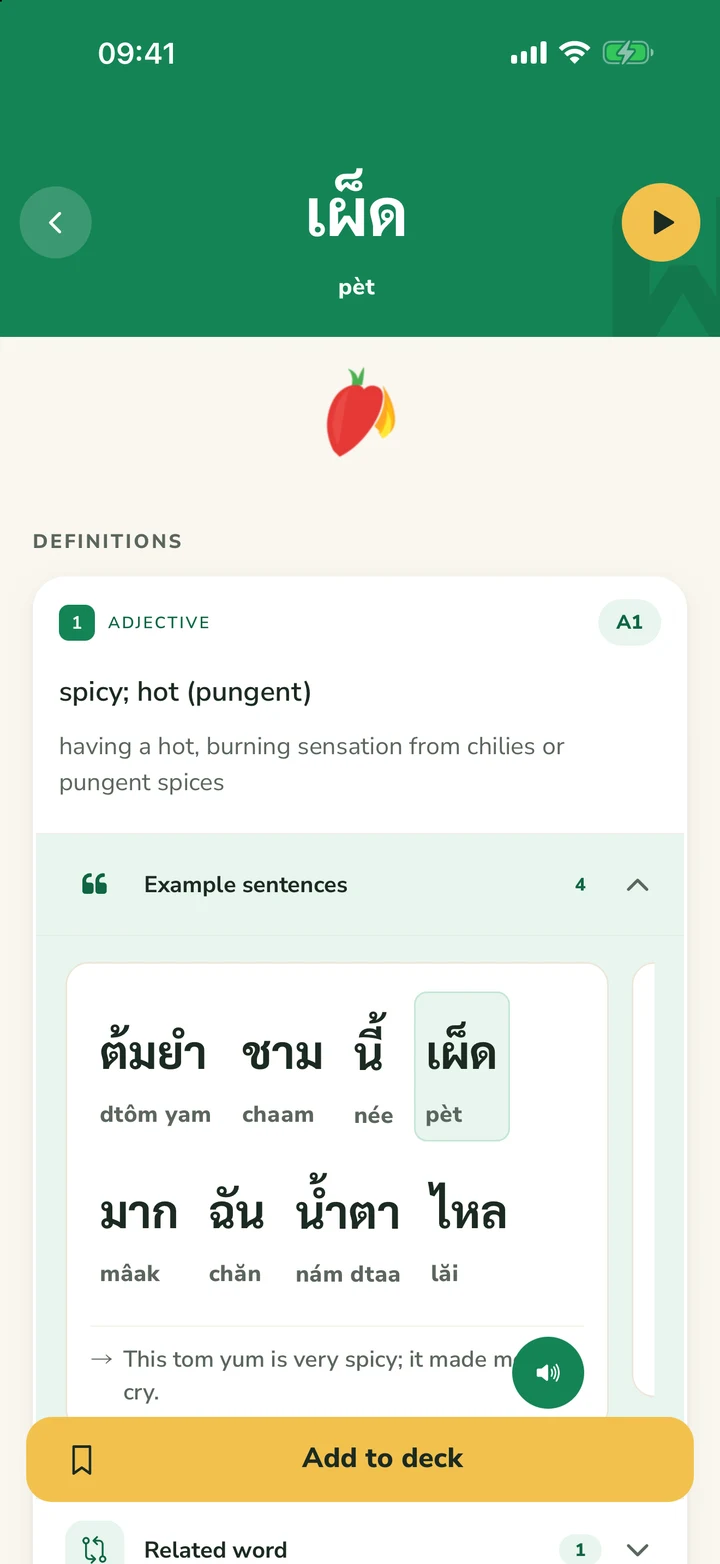
- Example sentences split word by word, with audio
Review right before you forget.
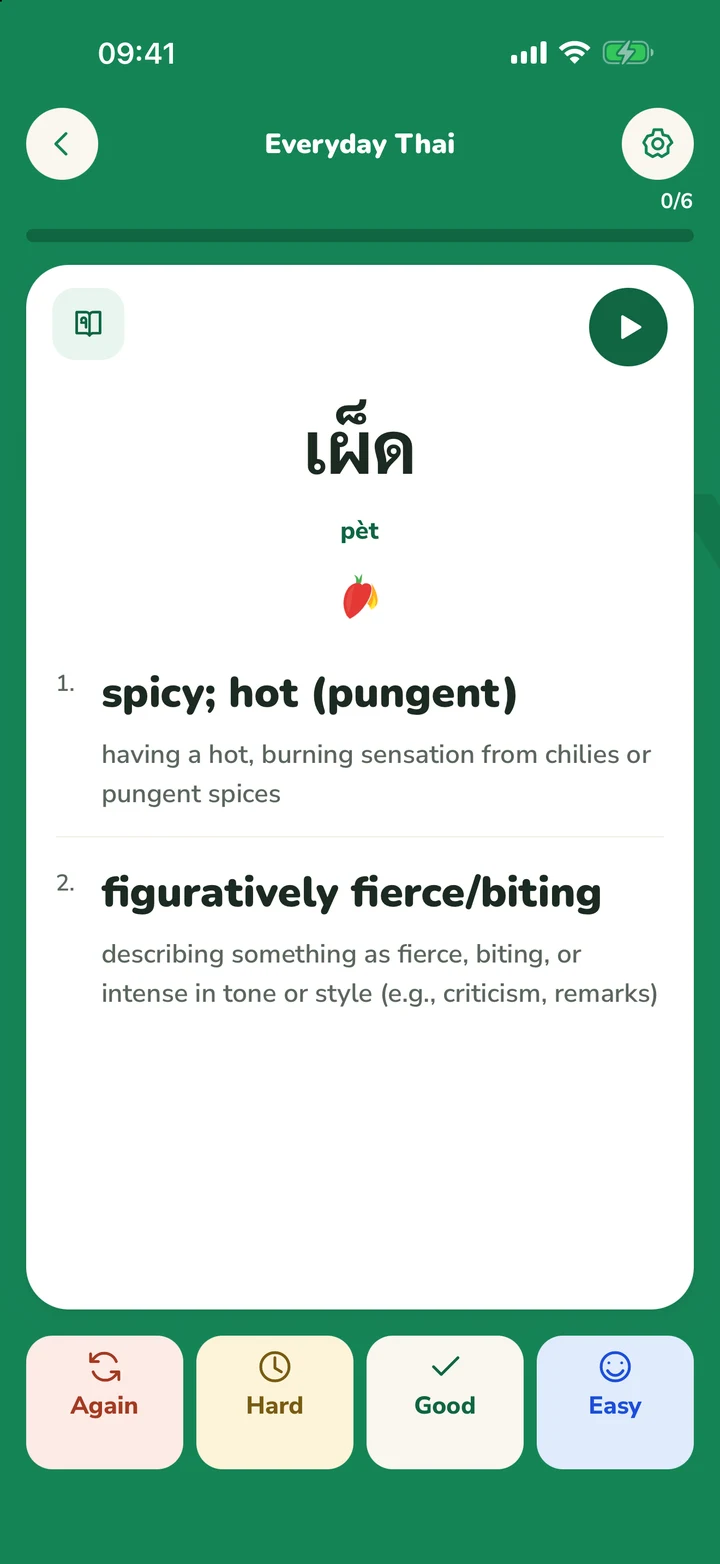
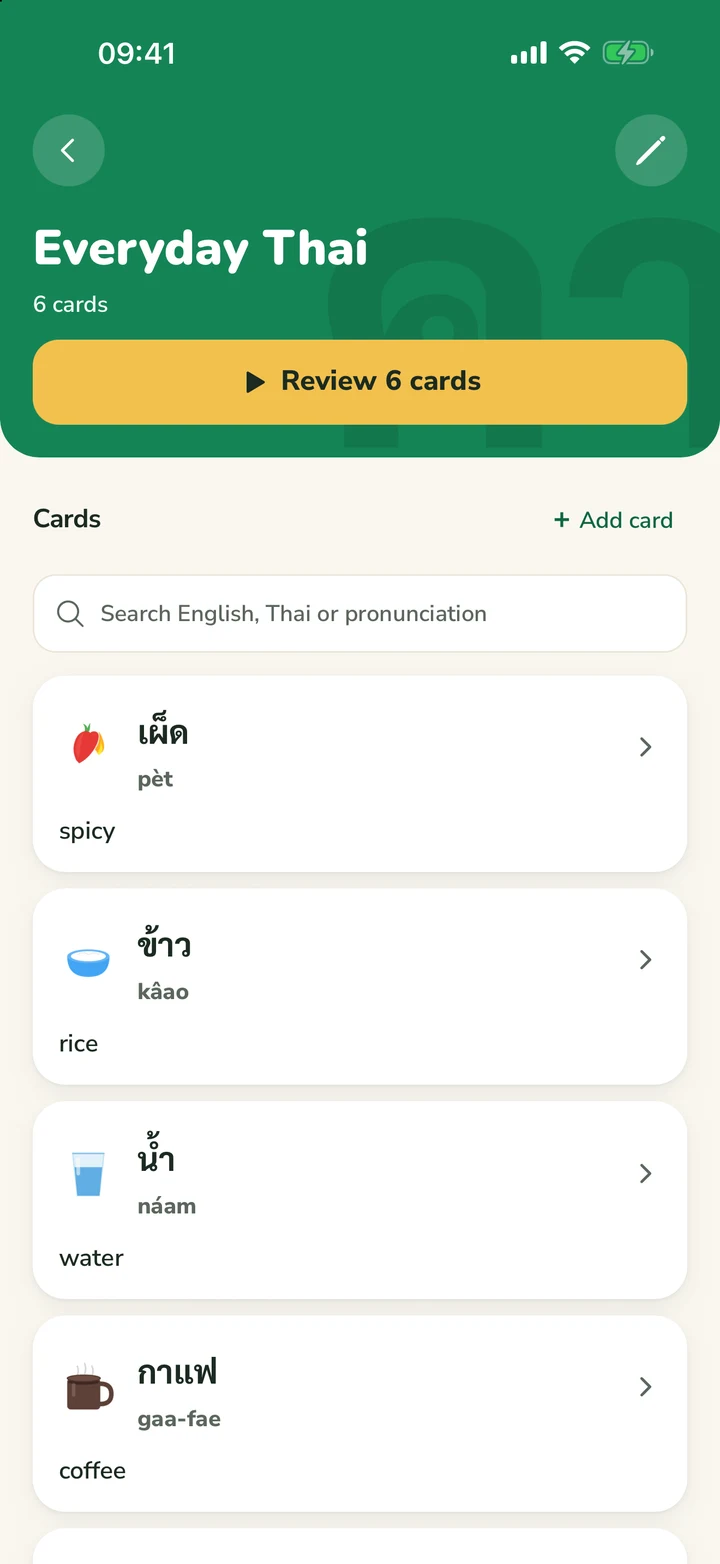
Save any word to a deck. Spaced repetition decides when each card comes back; you only rate Again, Hard, Good or Easy.
- A daily queue of just the cards that are due
- Your own cards from text, a photo or your voice
- Decks sync with thaiflip.com when you sign in
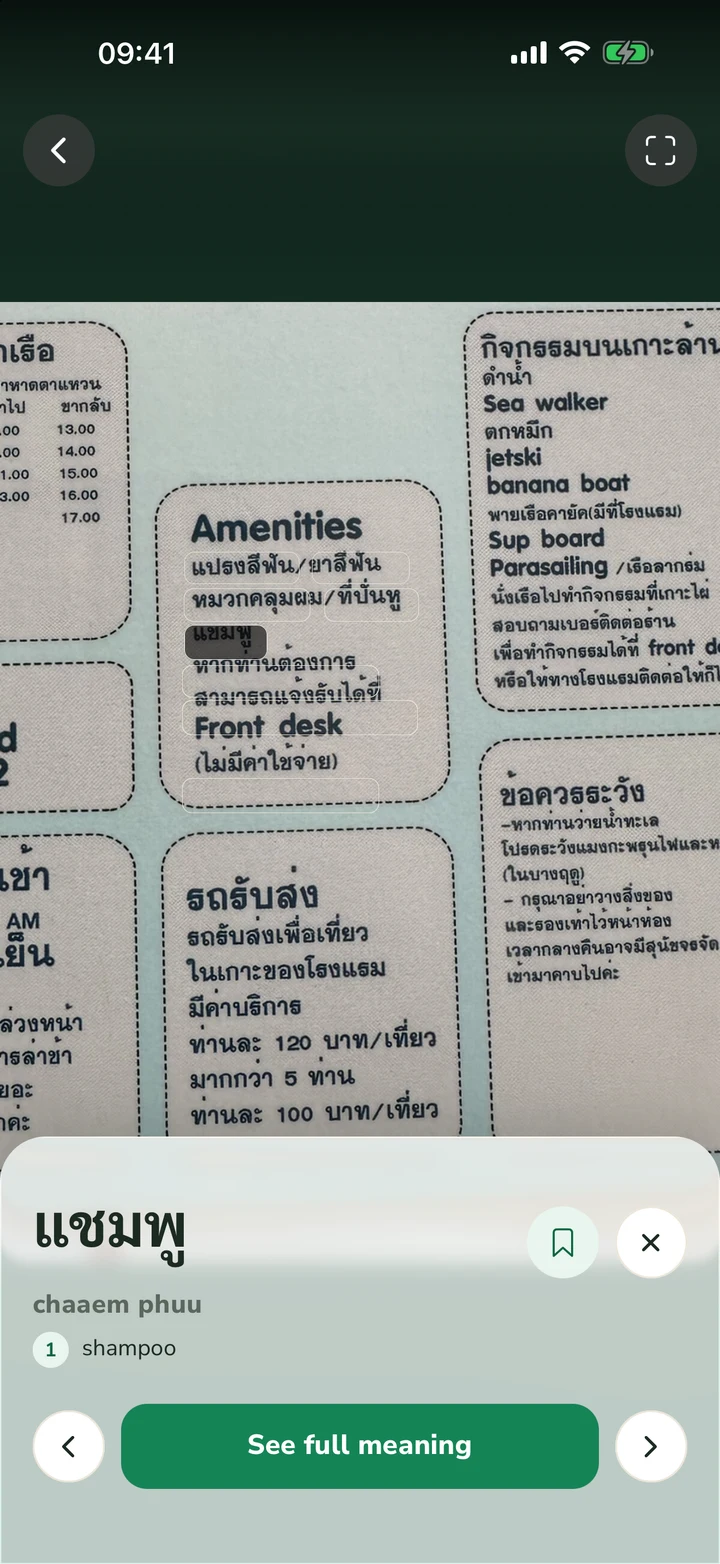
Point at a menu. Tap a word.
Thai is written without spaces. Photo search reads the text, splits it into words and opens the dictionary entry for whichever one you tap. It works on photos from your camera roll too.
- Menus, signs, tickets and subtitles
- Save tapped words straight to a deck
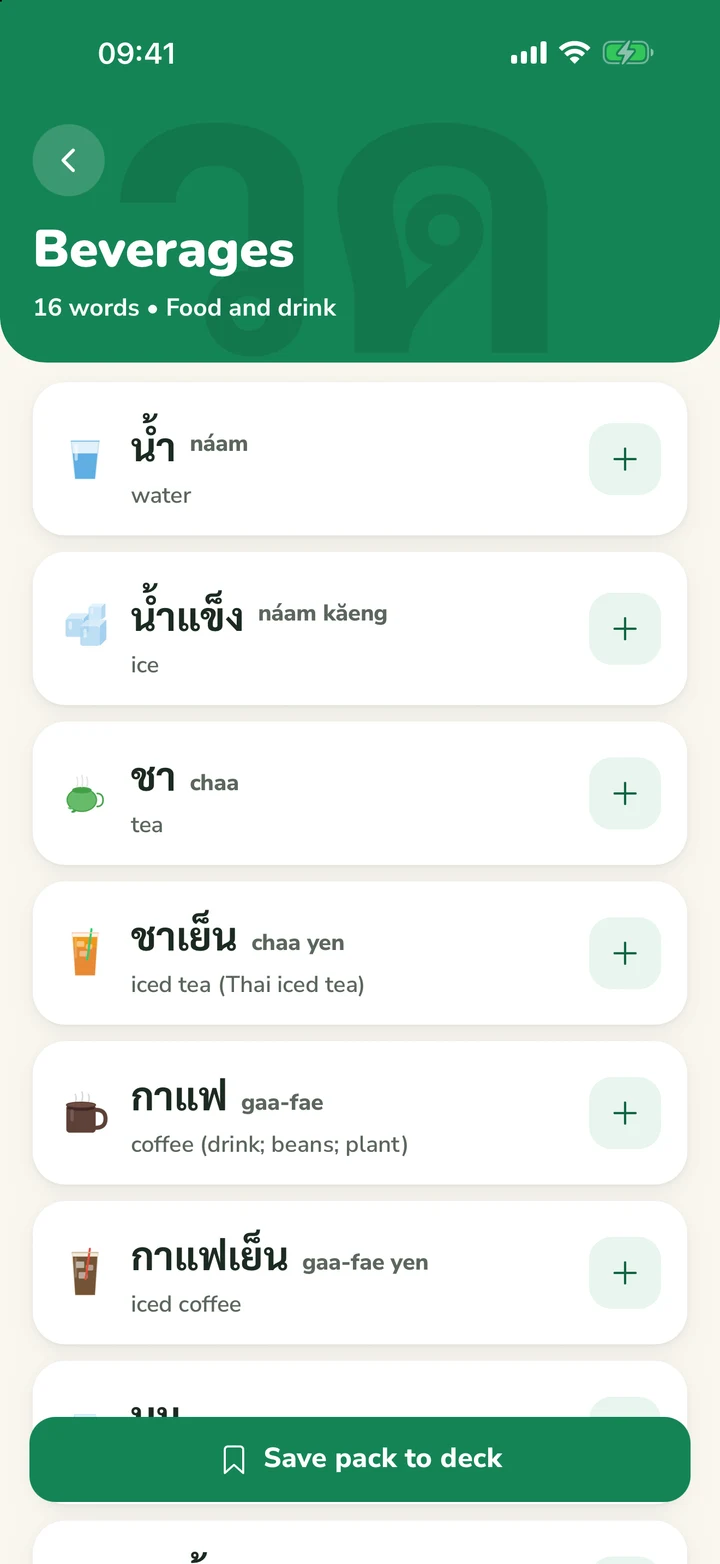
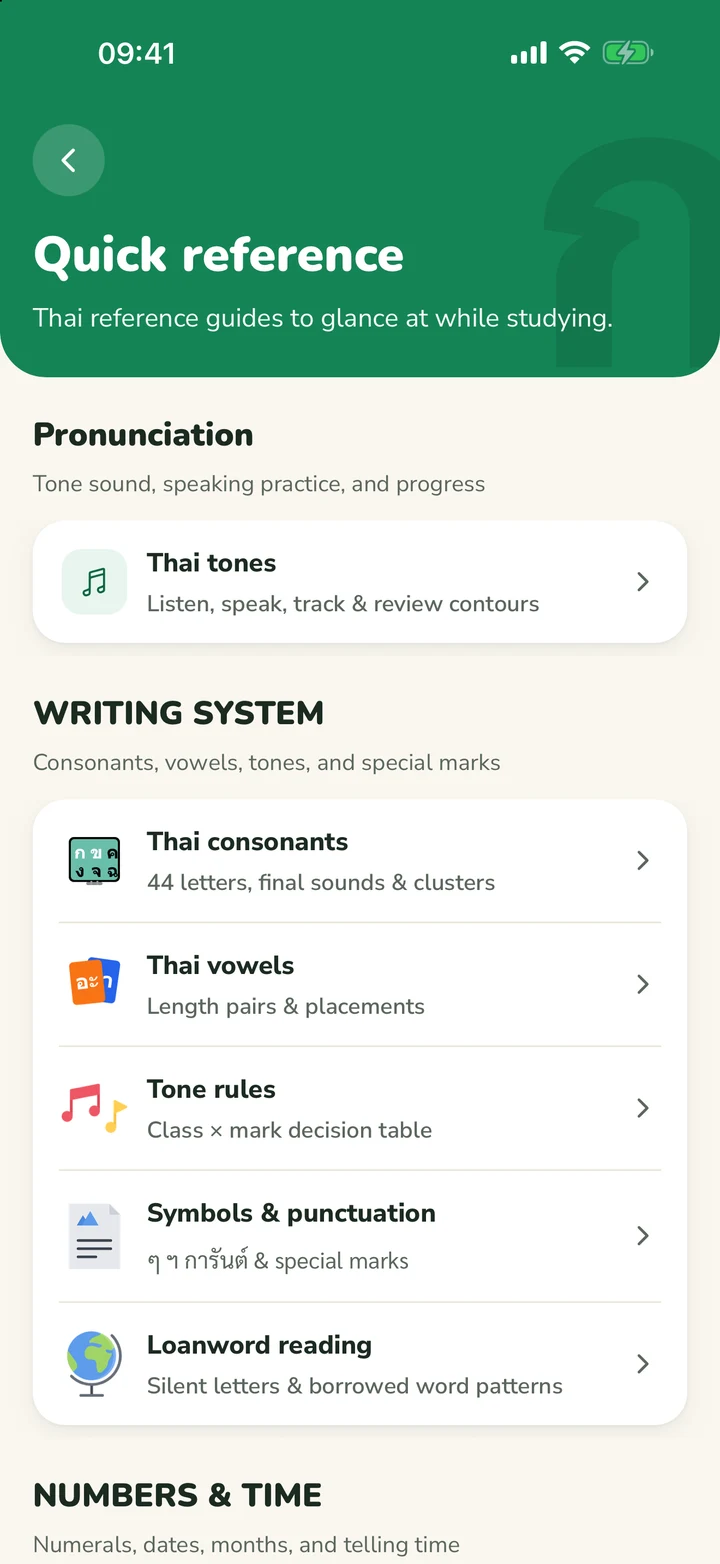
Start with the words you'll actually use.
Topic lists from street food to small talk, each with audio and one-tap save. The quick reference lays out the consonants by class, the vowels by position and the tone rules, with quizzes for numerals, classifiers and telling time.
Made for Thai, not adapted from another language.
The parts of Thai that generic apps skip are the parts ThaiFlip explains.
- Consonant class
- High class
- Tone mark
- No tone mark
- Syllable ending
- Dead syllable · Long vowel
Tones, explained
Every syllable shows the three things that set its tone: consonant class, tone mark and syllable ending.
- ต้มยำdtôm-yam
- ชามchaam
- นี้níi
- เผ็ดpèt
- มากmâak
Sentences, word by word
Example sentences come pre-split, with a reading under every word and audio for the whole line.
Four buttons, no scheduling
Rate each card and the next review is set for you. Hard cards come back sooner, easy ones later.
Quick questions
Everything we get asked before someone hits install.
Is the mobile app really free?
Yes. Install it from the App Store or Google Play and everything is free, with no ads.
Does it work without a connection?
You can usually read words and decks you’ve opened before without internet. You’ll need a connection to search for new words, scan photos, study flashcards, or change your decks. Some previously played audio may also work offline.
Do I need an account?
No. An account is only needed when you want to save words, study decks, or sync progress with the web.
Which devices are supported?
iPhone, iPad, and Android phones and tablets. Check each store listing for the minimum OS version.
Start learning in two taps.
Scan with your phone camera, or tap a badge. Free, no ads, no account required to start.
Free on iPhone, iPad and Android